Loot tracking
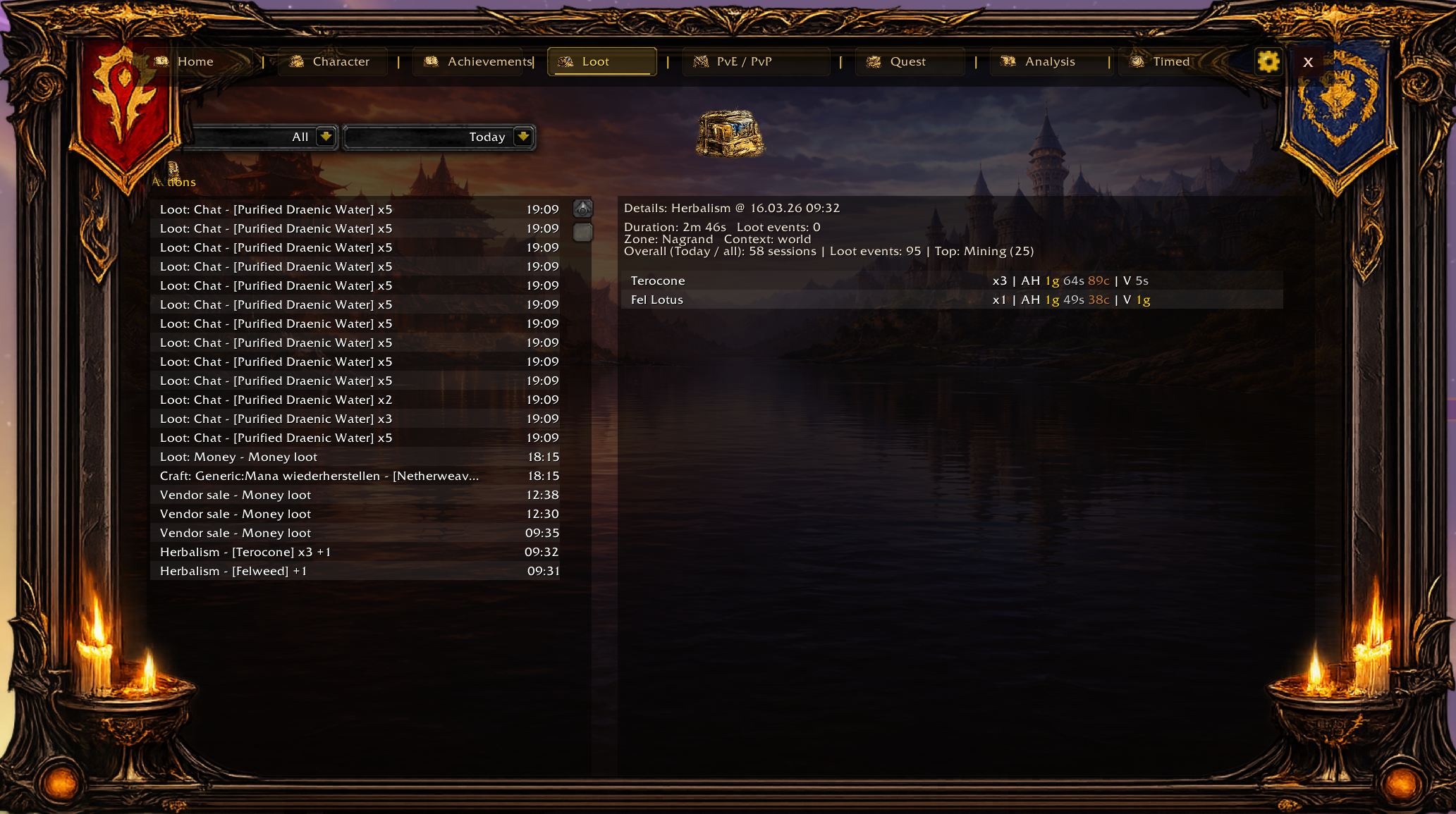
TrackMe does not reduce loot to one total. Drops, money and loot sessions are stored with activity context, so each event stays tied to where it came from.
- Loot events are finalized from actual loot-related chat and money events, not from an optimistic preview of the loot window.
- Loot sessions aggregate activity and can store by-action and action-detail information.
- Loot can be associated with run context, which is why loot views feel more analytical than a simple bag-history list.
Runs and encounters
Runs, encounters and fights are tracked as separate layers. That gives dungeon, heroic and raid history much more structure than a simple kill counter.
- Runs can contain encounters, fights and loot sub-events.
- Boss-aware progress is supported through the BossDB files.
- The UI also combines related runs for cleaner display, especially where raid shells or split boundaries would otherwise create fragmented history.
PvE and PvP combat views
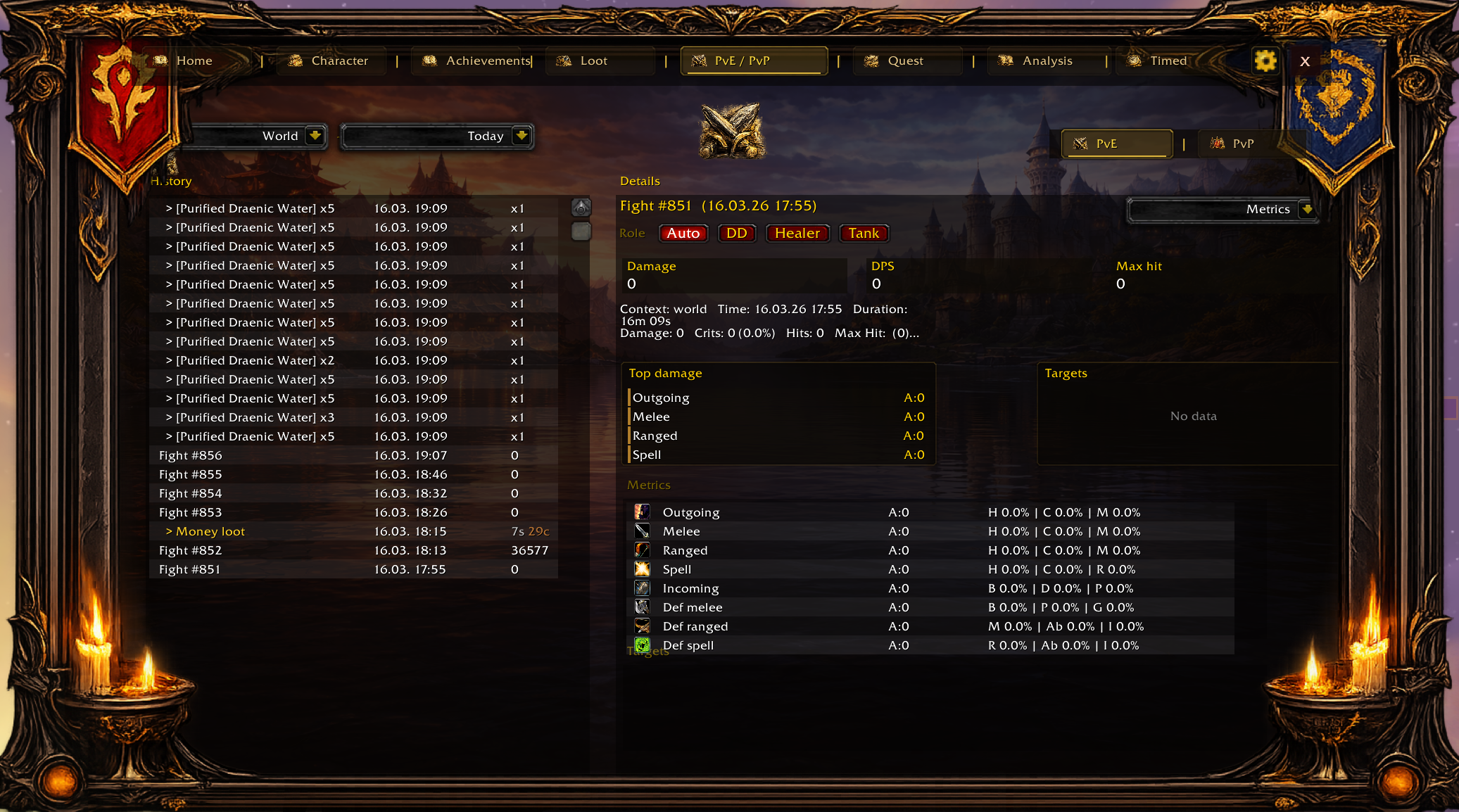
The combat area is split into PvE and PvP sections. In the UI code, battlegrounds, arena and world PvP are treated as separate contexts, and the combat detail screen supports overview, fights and loot-related detail tabs depending on the selected object.
How to read this area well
- Choose the right context first: world, instance, raid, battleground or arena.
- Choose the time filter second.
- Select the row or fight you actually want to inspect.
- Only then compare totals, targets, role interpretation and loot relevance.